
Panasonic AJ-PCD2G User Manual

This is a Memory Card Drive instruction manual
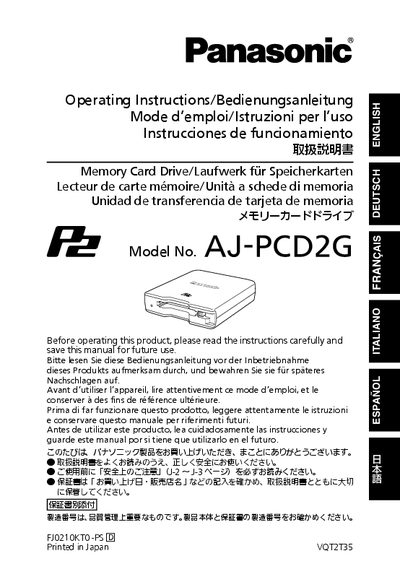

Panasonic AJ-PCD2G User Manual - cover page
Brand
Panasonic
Category
Auxiliary Extension
Document type
User Manual
Language
English
Pages
88
File format
PDF
File size
2.5 MB
Published
01 April, 2012
Updated
30 September, 2023
MD5 checksum
2945414937C15221972BA1493A80BBE0

About this manual

The AJ-PCD2G is a single‑slot P2 card drive that connects to a Windows PC or Macintosh via USB 2.0 for reading, writing, and direct editing of P2‑card video clips. It is lightweight, portable, and powered directly from the host computer’s USB ports.

The manual covers safety warnings, required operating environment, installation of drivers, how to insert and remove P2 cards, accessory details, and technical specifications. It also includes troubleshooting guidance and service information.

What's inside

  • Read this first!
  • Before Use
  • Overview
  • Features
  • Supplied Accessories (AJ-PCD2G)
  • Operating Environment Required for Installation
  • Parts and their Functions
  • Connecting the P2 Drive to a Personal Computer
  • Removing the P2 Drive from a Personal Computer
  • Inserting a P2 Card

Specifications

InterfaceUSB 2.0
USB connections requiredTwo (signal and power)
Supported operating systemsWindows and Macintosh

Frequently asked questions

How many USB connections are needed to operate the drive?

Two USB 2.0 connectors are required – one for data (signal) and one for power.

Can the AJ-PCD2G be used with memory cards other than P2?

No, the drive is designed exclusively for P2 cards and will not work with other card types.

Download PDF (2.5 MB)

More Panasonic Manuals


View all Panasonic manuals →