
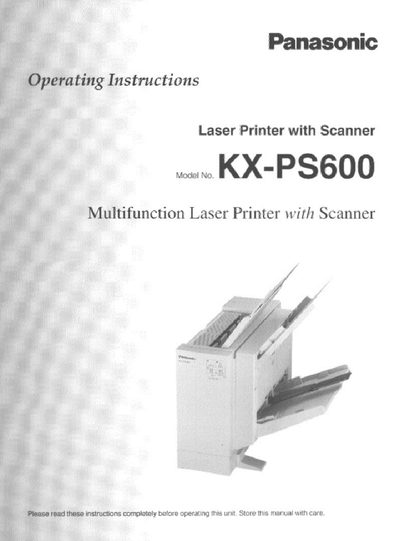
Panasonic KX-PS600 Multifunction Laser Printer Operating Instructions


Panasonic KX-PS600 Multifunction Laser Printer Operating Instructions - cover page
Brand
Panasonic
Category
Office Equipment
Document type
User Manual
Language
English
Pages
92
File format
PDF
File size
3.3 MB
Published
28 March, 2012
Updated
28 March, 2012
MD5 checksum
7F12A9D2ADFEA29F2F9E4A0116AFEA74

About this manual

This manual provides step‑by‑step guidance for installing, configuring, and using the Panasonic KX‑PS600 multifunction laser printer. It includes safety cautions, hardware installation, software setup, and network sharing instructions.

The document also details troubleshooting procedures, warranty information, and technical specifications such as laser output and power requirements, helping users maintain reliable operation.

What's inside

  • Safety Cautions
  • Installation and Setup
  • Printing and Scanning Functions
  • Software Installation and Configuration
  • Network Sharing and Resource Management
  • Troubleshooting and Error Messages
  • Warranty and Service Information
  • Technical Specifications

Specifications

Laser output5 mW max
Laser wavelength788 nm
Power source voltage110‑120 V (US) / 220‑240 V (EU)

Frequently asked questions

How many copies of the software may be installed?

The license permits up to twenty‑five copies of the software to be installed on twenty‑five computers.

What is the laser output power of the printer?

The laser output is specified as a maximum of 5 mW.

What should you do if the unit fails to turn on?

Call Panasonic technical support at 1‑800‑222‑0584 for assistance.

Download PDF (3.3 MB)

More Panasonic Manuals


View all Panasonic manuals →