
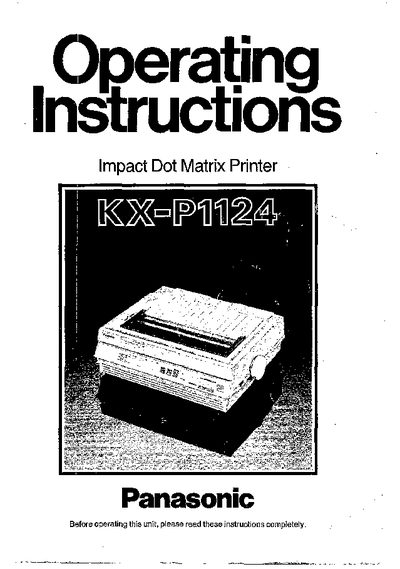
The manual introduces the Panasonic KX-P1124 dot matrix printer, describing its durable design, compact footprint, and printing capabilities such as multiple character pitches and proportional spacing. It covers safety warnings, wiring colour codes for UK installations, and the importance of proper earthing.
Setup instructions include unpacking, connecting the mains lead, installing paper and ribbon, and configuring optional interfaces. Operation sections explain the EZ Set Operator Panel, printing speeds, character sets, and available software emulation modes. Technical specifications, maintenance tips, and optional accessories are listed in the later chapters.
| Interface | Centronics parallel, RS-232C serial (option) |
|---|---|
| Print fonts | Draft (Pica and Elite) |
| Dot configuration | 1/127 inch (0.2 mm) dot diameter |
| Printing speed (Draft‑Elite) | 192 characters per second |
| Print head life | 100 million characters |
| Internal buffer | 6K (optional 32K expansion) |
It includes a standard Centronics parallel interface and an optional RS‑232C serial interface.
The printer can print at 192 characters per second in Draft‑Elite pitch.