
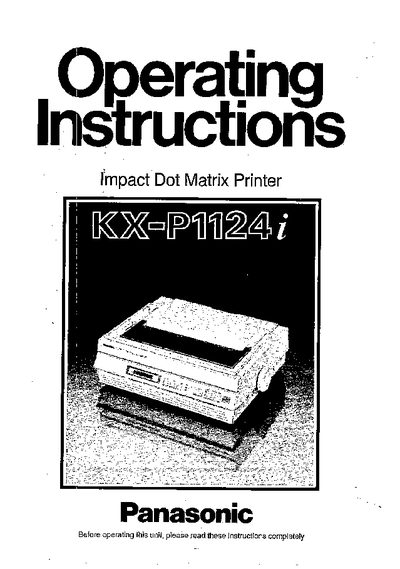
These operating instructions cover safety warnings, wiring colour codes, unpacking, installation, and initial setup of the Panasonic KX-P1124i dot matrix printer. The manual also explains how to configure the EZ Set Operator Panel, select command sets, and connect the printer to a computer.
Key sections include specifications, paper handling options, printing speed and quality settings, optional interface boards, maintenance procedures, and a list of optional accessories and supplies.
| Interface | Centronics parallel |
|---|---|
| Optional Serial Interface | RS-232C/Serial board KX-PS10 or KX-P19 |
| Dot matrix | 9x24 (Draft), 30x24 (LQ), 30x48 (SLQ) |
| Paper feed options | Pull/Push, Tractor feed, Friction feed |
Green and yellow wires are for Earth, blue is Neutral, and brown is Live.
Use the EZ Set Operator Panel to choose between Epson LQ‑850 and IBM Proprinter X24E command sets.