
This manual introduces basic operations for the Fuji Xerox FS-C5150DN/FS-C5250DN printer, including connecting to a network, installing the driver, loading paper, printing, and maintenance
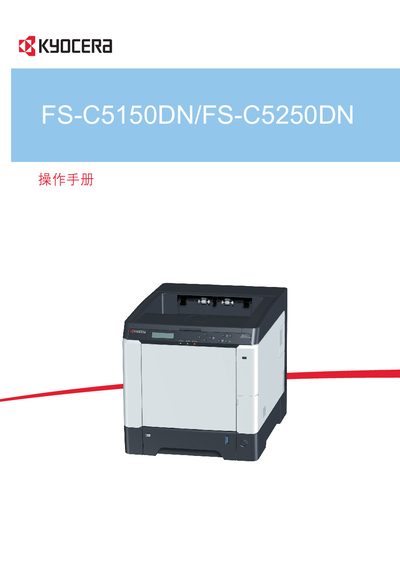
This manual guides users through installing the Kyocera FS-C5150DN and FS-C5250DN printers, including hardware setup and connecting the device via USB. It also covers configuring network parameters such as TCP/IP, DHCP, IPv6, and SSL for secure printing.
Additional sections describe advanced features like ThinPrint, printer driver installation, and troubleshooting common issues. The document provides reference tables, command‑center functions, and detailed diagrams to help both end‑users and service technicians.
| Model | FS-C5150DN/FS-C5250DN |
|---|
The manual includes a USB connection section that explains how to attach the printer using the USB interface.
Network configuration is covered with instructions for TCP/IP, DHCP, IPv6, and SSL settings.