
This manual provides instructions on how to operate the Kyocera FS-6970dn printer from KYOCERA MITA Corporation correctly and how to perform daily maintenance. It also provides simple troubleshooting steps to help you resolve any issues that may arise.
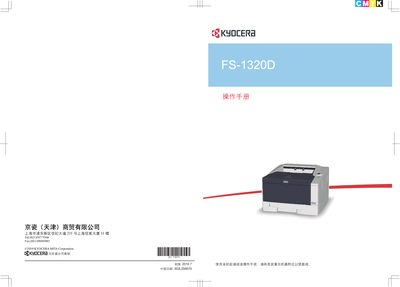
This manual helps you correctly operate the FS-1320D printer, perform daily maintenance, and apply simple troubleshooting steps to keep the machine in good working condition. It also advises using Kyocera original consumables and explains the legal and safety information.
The document includes detailed sections on machine components, paper handling, connection and printing, replacement of consumable parts, cleaning, long‑term storage, and fault diagnosis. It also contains software licensing details, trademark notices, and certification information. This manual is written in Chinese.
The printer is set to PCL emulation language when it leaves the factory.
Read the operation manual before the first use of the machine.
No, the company does not assume responsibility for any loss caused by using third‑party consumables.