
This is the operation manual for the Kyocera FS-2025D and FS-3925DN printers, introducing how to load paper, print, replace toner, clean the printer and troubleshoot.
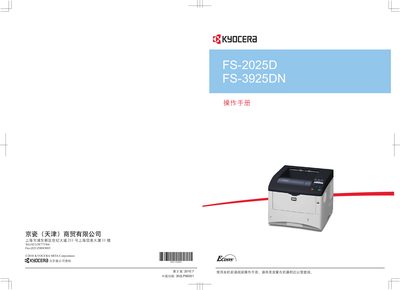
This manual provides step‑by‑step instructions for installing the Kyocera printer, connecting cables, loading paper and envelopes, and setting up drivers. It also explains how to use the operation panel and configure printing options.
Additional sections cover routine maintenance such as toner replacement and cleaning, safety and legal notices, and detailed troubleshooting guidance for common errors and paper jams. This manual is written in Chinese.
The printer is set to PCL emulation out of the factory, though the mode can be changed.
No, Kyocera does not assume any responsibility for damage caused by using third‑party consumables.