
This document is the user manual of OKI MICROLINE 7500F. It introduces the features and usage of the product.
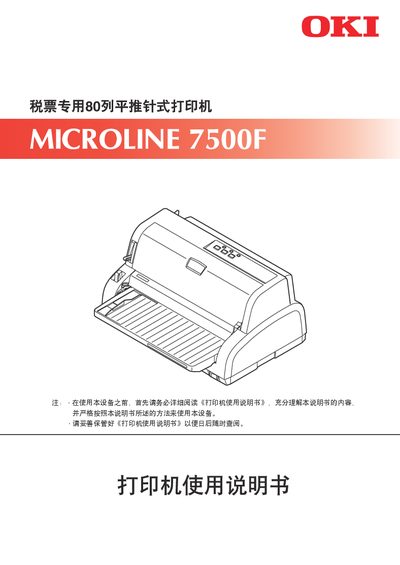
This manual covers safety precautions, regulatory compliance (CCC, EMC GB9254‑2008B) and warranty information for the MICROLINE 7500F 80‑column dot‑matrix receipt printer. It explains how to store the manual, handle hazardous materials, and understand the warning symbols used throughout the document.
The guide details the printer’s installation, connection to a host computer, panel functions, printing procedures, troubleshooting steps, and regular cleaning. Driver compatibility with various Windows operating systems is also described, along with instructions for using the supplied software and accessories. This manual is written in Chinese.
| Print width | 80 columns |
|---|---|
| Maximum paper thickness | 0.84 mm |
Drivers can be installed on Windows Server2008, Windows Vista, Windows Server2003, Windows XP, Windows 2000, Windows Me, and Windows NT 4.0, but not on OS/2.
The MICROLINE 7500F can print on paper up to 0.84 mm thick.