
This document is a user manual for the Oki C910n printer, which introduces the use of the printer, installation methods, maintenance methods, etc.
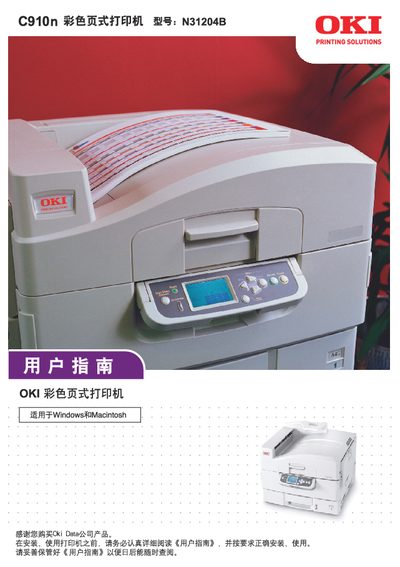
This user guide covers everything needed to set up and use the OKI C910n color page printer, including unpacking, connecting power and interfaces, loading paper, and configuring print settings. It also explains the printer’s safety warnings, consumable handling, and routine maintenance procedures.
The manual contains detailed technical specifications, network configuration steps, memory upgrade instructions, and troubleshooting tips. Appendices provide LCD information, menu system details, and service support contacts for the Chinese market. This manual is written in Chinese.
| Print speed (color) | 36 ppm |
|---|---|
| Print speed (black & white) | 40 ppm |
| Resolution (color) | 1200 x 600 dpi |
| Resolution (black & white) | 600 x 600 dpi |
| Memory | 512 MB, expandable to 1024 MB |
| Processor speed | 800 MHz |
| Dimensions (W×D×H) | 1308 x 625 x 599 mm |
| Weight (incl. drum) | ≈ 83 kg |
| Interfaces | Parallel, USB 2.0, 10Base‑T, 100Base‑TX, 1000Base‑T |
It requires AC 220 V ± 10 %, 50/60 Hz three‑phase power.
The printer supports Windows 2000/Server 2003/XP/Vista/Server 2008, Mac OS X or later, and UNIX/Linux.