
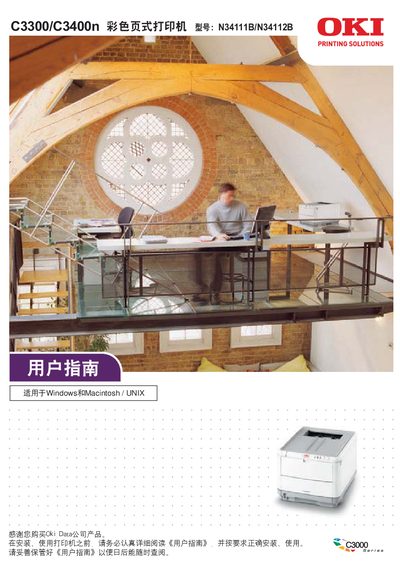
OKI C3300/C3400n N34111B/N34112B color Page Printer user manual


OKI C3300/C3400n N34111B/N34112B color Page Printer user manual - cover page
Brand
OKI
Category
Printer
Document type
User Manual
Language
Chinese
Pages
177
File format
PDF
File size
12.2 MB
Published
01 April, 2012
Updated
25 May, 2012
MD5 checksum
17DC4456CA06815B29FF1184F01D4848

About this manual

This manual guides users through installing, configuring and operating the OKI C3300n/C3400n color page printer on Windows and Macintosh/UNIX systems. It includes safety information, hardware connections, driver installation, printing options and advanced features.

The document also covers routine maintenance, consumable replacement, network setup, troubleshooting common problems and provides full product specifications and service support contacts. This manual is written in Chinese.

What's inside

  • Safety Information
  • Installation Basics
  • Hardware Connections
  • Driver Installation
  • Printing Options
  • Advanced Applications
  • Maintenance and Consumables
  • Troubleshooting
  • Product Specifications
  • Service Support

Specifications

Maximum power consumption950 W
Power supplyAC 220 V ±10 %, 50/60 Hz, 3‑phase
Dimensions4790 mm × 300 mm × 1000 mm

Frequently asked questions

What is the maximum power consumption of the printer?

The printer’s maximum power consumption is 950 W.

Can the printer driver be used on operating systems other than Windows and Macintosh?

No, the driver cannot run on other operating systems or non‑Chinese versions of Microsoft Windows.

Download PDF (12.2 MB)

More OKI Manuals


View all OKI manuals →