
This document provides the operating manual for the C130n printer, including safety information, product features, installation, use, maintenance, and troubleshooting.
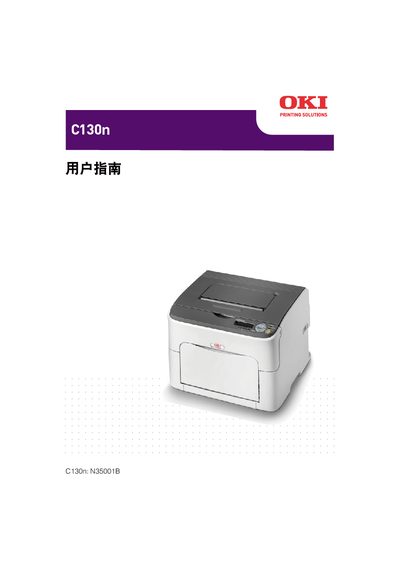
This manual covers the basic operation of the OKI C130n printer, including how to navigate the main, print, paper, quality, interface, system default, service, and language menus. It also describes the status monitor functions and provides guidance for common tasks.
Additional sections give details on system settings, troubleshooting steps, and contact information for technical support. The document is organized with menu listings and reference tables to help users quickly find the information they need.
Select the MAIN MENU option on the printer’s display.
Language settings are found in the LANGUAGE MENU.