
This document introduces the usage and precautions of C310dn, C330dn, C530dn printers.
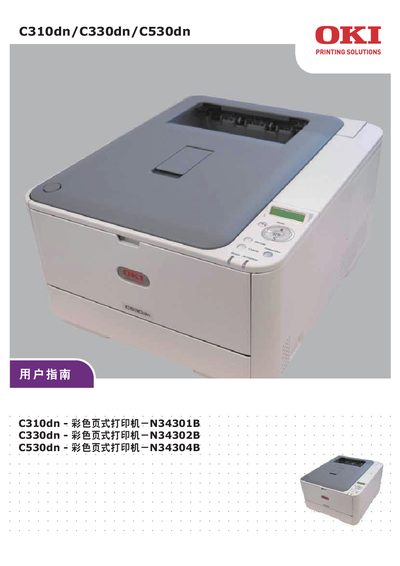
This manual covers the installation and configuration of the OKI C310dn, C330dn, and C530dn printers on Windows and Mac OS X, including driver download information and printing options. It also details the printer’s media handling, network settings, and supported print languages such as PCL, PPR, and FX.
Safety precautions, emergency procedures for toner exposure, and troubleshooting steps are provided, along with maintenance tasks like toner and drum replacement, cleaning, and component inspection. An index of sections such as Information, Maintenance, Media, Network, and System Configuration helps locate specific topics quickly. This manual is written in Chinese.
| USB interface speed | 5.0 |
|---|---|
| LAN interface speed | 15.0 |
Use a small amount of cold water and seek medical attention immediately.
Flush the eyes with plenty of water for at least 15 minutes and seek medical attention.