
MICROLINE 7700F is an 80-column professional-grade high-speed flat-pushing ticket printer with industry-leading indicators, integrating high speed, large ribbon, and long life. It not only can print various tax tickets, but also meet the needs of various tickets such as financial statements, business forms, and transaction forms. The product not only has a super thick 0.84 mm paper feeding capability, but also has a compact design, suitable for financial and window office printing needs. This product has passed the China Compulsory Certification (CCC) and meets the EMC (GB9254-2008 Class B) standard.
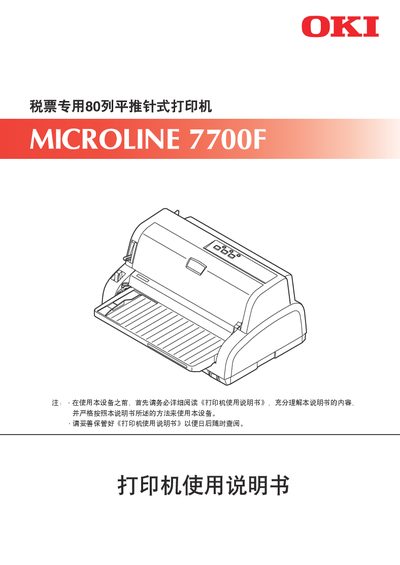
This manual covers the safe use of the OKI MICROLINE 7700F 80‑column receipt printer, including warnings about electrical hazards and proper handling to prevent injury. It also explains the required documentation and copyright information supplied by Oki Data Corporation.
The guide is organized into chapters that describe pre‑use checks, printer operation, connection to a host computer, printing procedures, advanced functions, troubleshooting, regular cleaning, and technical specifications. Installation steps, driver requirements, and supported Windows operating systems are also detailed. This manual is written in Chinese.
| Maximum paper thickness | 0.84 mm |
|---|
The manual warns of possible death or serious injury if the printer is operated incorrectly and highlights electrical shock hazards.
Chapter 3 of the manual explains the steps for connecting the MICROLINE 7700F to a host computer.
The printer can handle paper up to 0.84 mm thick.