
This is a user guide for the C3600n color page printer. The document provides installation and usage instructions for the printer, including information for both Windows and Macintosh systems. It also includes Oki Data's disclaimer and waste disposal regulations.
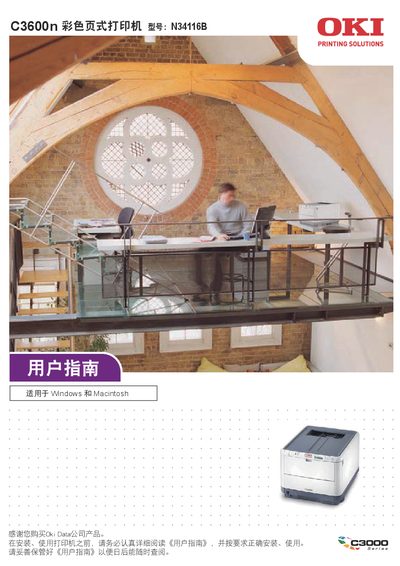
This manual covers the OKI C3600n color top‑loading printer, describing its main components, safety precautions, and proper handling of consumables. It is intended for users who need to install, configure, and operate the printer safely.
The guide includes sections on hardware overview, installation steps for Windows and Mac OS, USB connection limits, troubleshooting, and detailed maintenance procedures. All information is provided in Chinese and stored on the printer’s random CD‑ROM for easy access. This manual is written in Chinese.
| Scanning frequency | 13.553‑13.567 MHz |
|---|---|
| Maximum radiation intensity (10 m) | 42 dB(A) |
| Supported Windows OS | Windows 2000/XP/XP Pro x64 |
| Supported Mac OS X | 10.2.8‑10.5 |
No, the printer cannot be used with Windows NT 4.0.
When replacing consumables, follow the safety guidelines in the manual, such as ensuring the printer is powered off and not operating near other equipment.