
This is the user manual for C110 N35000B, which mainly introduces the product's features, specifications, installation, use, maintenance and other information
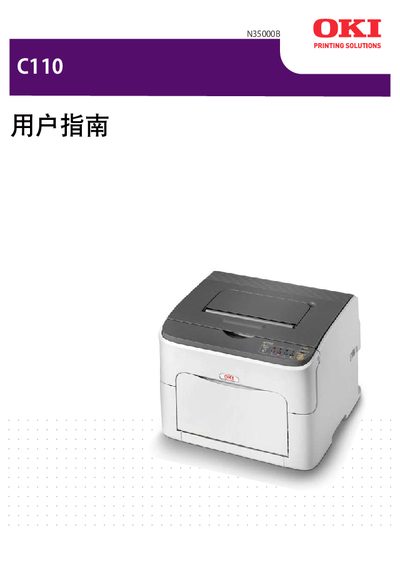
This manual covers the installation and initial setup of the OKI N3500B printer, including hardware connections, driver installation, and configuration of printing preferences. It also explains how to use the Remote Panel Utility and provides compatibility information for various Windows operating systems.
Additional sections include troubleshooting tips, maintenance procedures, and technical specifications, as well as contact information for technical support and service resources.
The support phone number is 800-810-8498.
Support information is available at wew.okidata.com.cn.