
The OKI C8600n/C8600dn color page printer user manual provides installation, operation, maintenance, and troubleshooting instructions.
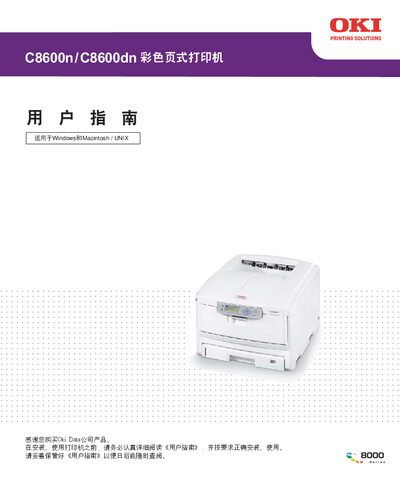
This user guide covers everything needed to set up and use the OKI C8600n/C8600dn color page printer. It includes detailed steps for hardware connection, driver installation for Windows and Macintosh, and configuration of network and USB interfaces.
Safety precautions, component descriptions, and maintenance procedures are also provided, along with a troubleshooting section that addresses common issues such as unclear printing, paper jams, and connectivity problems. This manual is written in Chinese.