
This manual introduces the features and functions of the Zebra® XiIIIPlus™/R110Xi™/R170Xi™ label printer
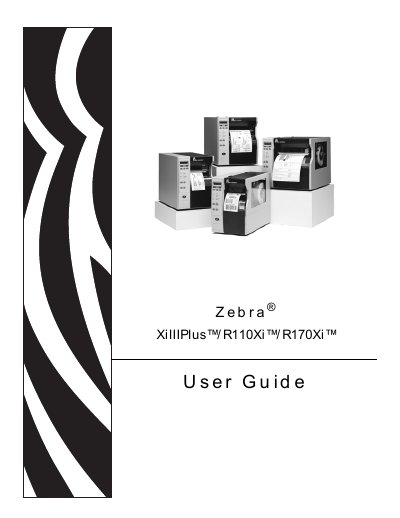
This user guide provides step-by-step instructions for setting up, operating, configuring, maintaining, and troubleshooting the Zebra XiIIIPlus, R110 Xi, and R170 Xi label printers. It covers printer components, media loading, print modes, control panel functions, network settings, routine maintenance, and diagnostic tools. The guide also includes compliance information and technical specifications for each model.
The manual is organized into sections for easy navigation, including setup, operations, configuration, maintenance, troubleshooting, data ports, and specifications. It includes safety guidelines, power cord requirements, and compatibility details for different media types and communication interfaces.
| Power Cord Specifications | Length ≤ 9.8 ft. (3 m), Rated for 10 A, 250 V AC, with 3-conductor grounded plug |
|---|
The power cord must be rated for at least 10 A, 250 V AC, with a length ≤ 9.8 ft. (3 m), and must include a 3-conductor grounded plug with IEC 320 female connector.
The cord must be rated for at least 10 A, 250 V.
The overall cord length must be less than 9.8 ft. (3.0 m).
This manual explains 4 error codes. Open a code for its meaning, causes and what to do: