
This is the user manual for the desktop printer. It mainly introduces the usage methods, precautions and maintenance methods of the printer.
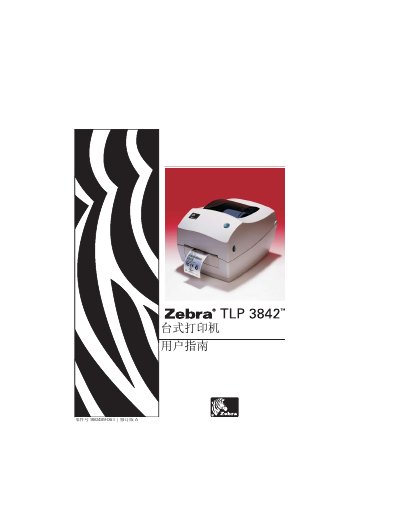
This manual provides step‑by‑step instructions for setting up and operating the Zebra TLP 3842 desktop label printer. It covers unpacking, checking components, loading roll media and ribbon, and connecting the printer to a host via USB, parallel, Ethernet or serial interfaces.
Safety warnings, media handling, print‑head care, troubleshooting, and detailed interface pin‑outs are also included to help users maintain reliable performance and comply with FCC regulations. This manual is written in Chinese.
| Supported printing methods | Thermal transfer and thermal sensor |
|---|---|
| FCC compliance | B‑class digital device |
| Power supply | External power adapter (voltage not specified) |
The printer can print using thermal transfer (ribbon) and thermal sensor (direct thermal) media.
No, the printer and power supply must not be used in moist conditions to avoid electric shock.
Redirect or reset the receiving antenna, increase isolation, or plug the printer into a different circuit.