
Zebra Technologies Corporation 公司生产 of desktop printer user guide. This printer can be used to print various labels, and requires the use of dedicated labels.
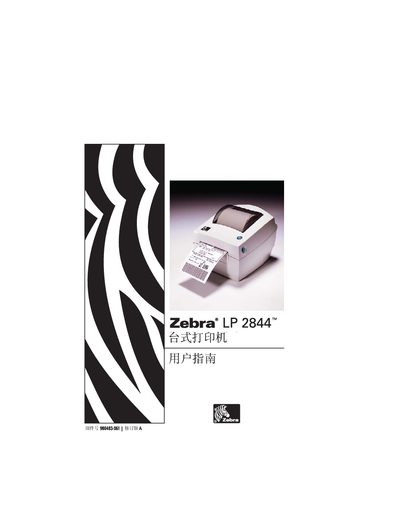
The Zebra LP 2844 is a high-quality, on-demand thermal transfer printer manufactured by Zebra Technologies Corporation. This manual provides all necessary information for daily operation and maintenance of the printer. This manual is written in Chinese.
| FCC compliance | Class B digital device |
|---|---|
| Printing mode | Thermal transfer printing |
| Copyright year | 2003 |
Use measures such as redirecting or resetting the receiving antenna, strengthening isolation between device and receiver, connecting to a different circuit, or consulting a distributor or experienced technician.
Do not turn off the power switch when media runs out; press the feed button after loading new media to resume printing.