
Sony Ericsson W31S User Manual

W31S user manual, introduces the functions and usage methods of the phone
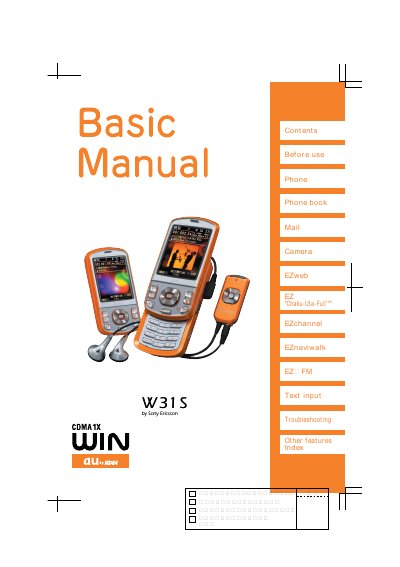

Sony Ericsson W31S User Manual - cover page
Brand
au by KDDI
Document type
User Manual
Language
English
Pages
108
File format
PDF
File size
6.6 MB
Published
28 March, 2012
Updated
30 September, 2023
MD5 checksum
14AB9AEC7E86535F1B28BE4D55E8C14B

About this manual

This manual introduces the W31S mobile phone and explains its main functions such as the phone book, camera, EZweb services, EZ channel, EZ naviwalk, and text input. It also covers basic operations like making calls, sending mail, and using the camera.

Additional sections give safety and etiquette advice, describe Manner mode, keylock, drive mode, and the Disaster Bulletin Board service, and provide contact information for au customer support.

What's inside

  • Before use
  • Phone book
  • Camera
  • EZweb services
  • EZ channel
  • EZ naviwalk
  • Text input
  • Manner mode, record message and keylock
  • Drive mode
  • Disaster Bulletin Board

Frequently asked questions

How do I activate Manner mode?

Hold down the idle display for at least one second to turn on Manner mode.

How many safety information entries can be registered in the Disaster Bulletin Board?

A maximum of 10 entries can be stored; older entries are overwritten when the limit is exceeded.

What is the toll‑free number for au Customer Service Center?

From regular phones call 0077‑7‑111; from au cellphones dial 157 (no area code).

Download PDF (6.6 MB)

More au by KDDI Manuals


View all au by KDDI manuals →