
This manual introduces the basic operations of the KX-FLB882CX Multi-Function Station, including installation, operation, and troubleshooting.
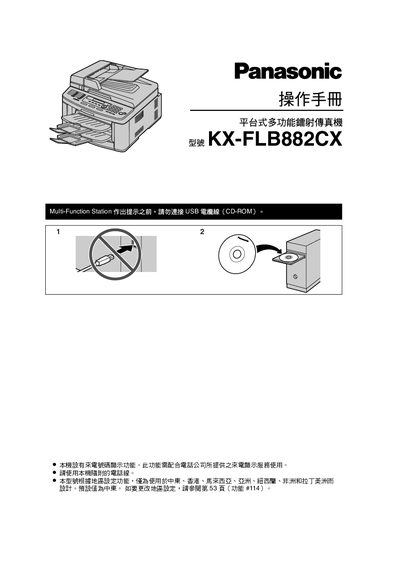
The manual covers the installation, configuration, and daily use of the Panasonic KX-FLB882CX fax machine. It includes safety precautions, required accessories, and step‑by‑step procedures for printing, scanning, and faxing.
Additional sections explain region settings, special functions such as duplex fax, caller ID, and troubleshooting tips. Recommended consumables and maintenance guidelines are also provided to ensure reliable performance. This manual is written in Chinese.
| Standard print run | ≈ 800 sheets at 5 % coverage |
|---|
Refer to page 53 of the manual to adjust the region configuration.
Use the original Panasonic toner and drum for best performance; other brands may cause quality issues.