
This file is a quick start guide for Philips CEM3100 car audio system, introducing the features and characteristics of the product and how to use it
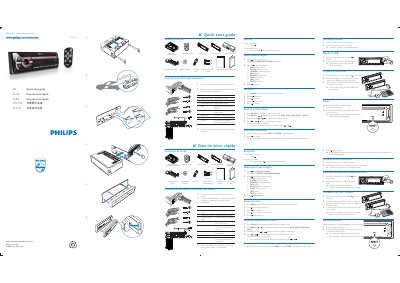
This guide lists everything that comes with the CEM3100 unit, including the main unit, remote control, ISO male connector, and accessories. It also shows how to connect the supplied ISO male connector to the vehicle wiring.
Step‑by‑step instructions cover selecting the operating region, setting the clock, tuning radio stations, playing media from a USB drive, connecting an iPod or iPhone, and resetting the unit to factory defaults. This manual is written in Spanish.
| Power supply voltage | +12 V DC |
|---|
Detach the front panel and press the reset button with a ball‑point pen or similar tool.