
This is a quick start guide that introduces how to install, connect and use the CE131 product.
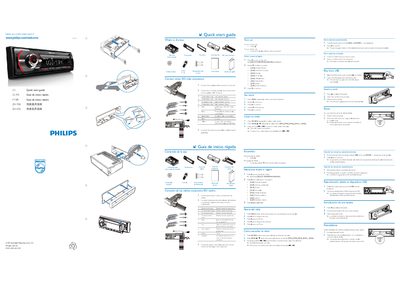
This guide shows how to connect the device using ISO male connectors, insert media such as cards or USB drives, and select the appropriate operating region. It also explains the basic menu navigation and source selection for FM/AM radio and audio playback.
Additional sections cover resetting the unit, adjusting the clock, and troubleshooting common issues. The multilingual text includes Spanish, Portuguese, and Chinese instructions to help users in different regions set up and use the player quickly. This manual is written in Chinese.
Connect the wires using ISO male connectors as shown in the guide.