
This manual introduces how to use the Philips CID3290 car DVD system. It covers system safety, usage, installation, playback, etc.
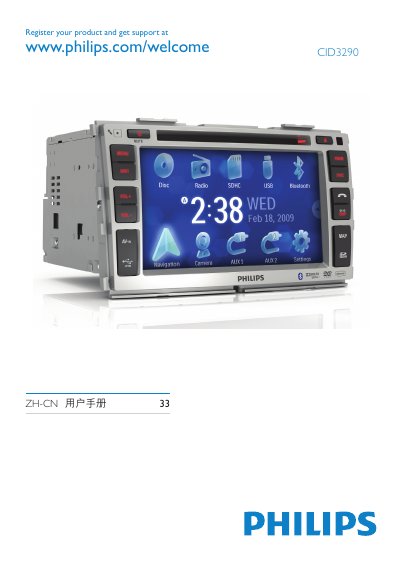
This manual introduces the Philips CID3290 car entertainment system, covering its hardware components, supported media formats, and basic functions such as radio, DVD/CD playback, USB/SD card access, and Bluetooth phone integration.
Detailed sections guide users through installation, initial setup, language selection, screen adjustment, volume control, navigation, and troubleshooting, with safety warnings and regulatory information included. This manual is written in Chinese.
| Screen size | 7 inches |
|---|---|
| Resolution | 800 x 480 dots |
| Contrast | 600 |
| Brightness | 400 cd/m2 |
| Bluetooth version | 2.0 |
| Bluetooth power class | Class 2 |
| Bluetooth range | ≈8 m line‑of‑sight |
| FM frequency range | 87.5‑108.0 MHz |
| AM frequency range | 522‑1620 kHz |
| Power output | 50 W × 4 channels |
| Continuous power | 24 W × 4 channels |
| Operating voltage | 12 V DC (11‑16 V) |
| Fuse rating | 15 A |
| Speaker impedance | 4‑8 Ω |
| Weight | 2.2 kg |
Press the RESET button on the unit to perform a reset.
Select a language on the screen; the OSD language changes immediately.
Press the DISP button, then use VOL‑ or VOL+ to increase or decrease brightness, and confirm with DISP.
Use a 15 A fuse as specified in the manual.