
This is a quick start guide that introduces how to use Philips CID3290 car audio system
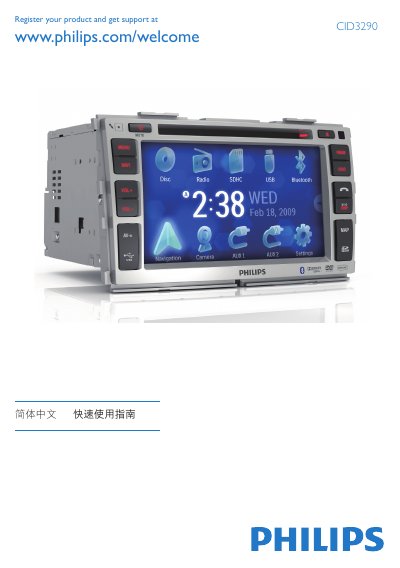
This guide introduces the Philips CID3290 in‑car audio system, covering installation, initial setup, and everyday functions such as radio, disc, USB, and Bluetooth use. It also explains how to adjust screen settings, set date and time, and use the optional navigation map feature.
Step‑by‑step instructions show how to mount the unit, connect wiring, select language, adjust brightness, pair up to eight Bluetooth devices, make and receive calls, and play media from discs, USB drives, or SD cards. Safety reminders advise against operating the system while driving. This manual is written in Chinese.
| Maximum Bluetooth paired devices | 8 |
|---|---|
| Default Bluetooth password | 0000 |
You can pair up to eight Bluetooth devices with the unit.
Press the DISP button, then tap VOL‑ or VOL+ to change brightness, and press DISP again to confirm.
Press the power button, the OSD will show language options, then tap the desired language to switch.