
This is a product manual, which introduces the use of CID3287 model products.
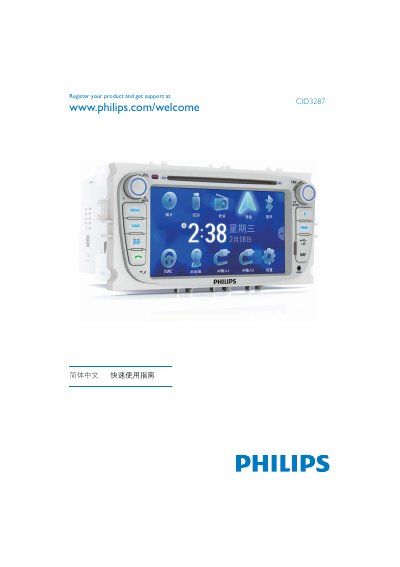
This manual explains how to register your CID3287 product and obtain support at the Philips website. Registration details are shown on the first page.
It also covers key functions such as setting the clock (24‑hour mode), using Bluetooth features (auto answer, pairing code, phone‑book sync), and the supported media formats (DVD video, DVD‑R, DVD‑RW, VCD, Audio CD, CD‑R, CD‑RW). This manual is written in Chinese.
| Clock Mode | 24‑hour |
|---|---|
| Date format | YYYY/MM/DD |
Select the Clock Mode 24Hr option in the settings menu.
It supports DVD video, DVD‑R, DVD‑RW, VCD, Audio CD, CD‑R, and CD‑RW.
Use the Bluetooth pairing code shown in the manual; the device also offers Auto Answer and Phone Book Sync.