
This is a manual that introduces the use of Philips CID2680
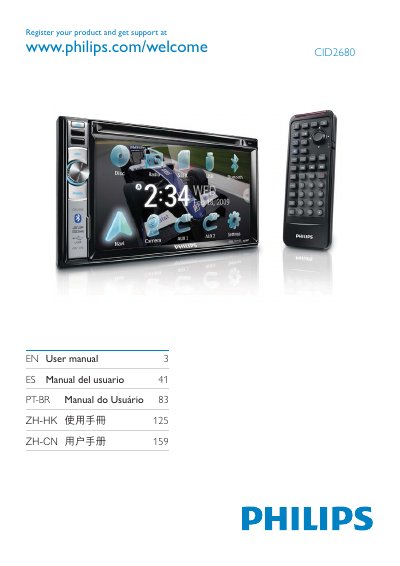
This manual explains how to register your Philips CID2680 product online (www.philips.com/welcome CID2680) and gives an overview of the supported languages and media formats. It covers basic operation, audio controls, DVD menu navigation, and the use of USB and SD/SDHC/MMC cards.
The document also details the rear‑zone audio function, which is disabled by default and only the normal speaker/pre‑out is active. Safety notices, warranty information, and contact details are included at the end of the guide.
| Supported disc formats | DVD, VCD, CD |
|---|---|
| Supported external storage | USB, SD/SDHC/MMC |
Visit the registration page at www.philips.com/welcome CID2680 to register and obtain support.
The device supports DVD, VCD, CD discs, as well as USB flash drives and SD/SDHC/MMC memory cards.