
This document is about registering the product and getting support. It provides support information about CID2680 ZH-CN and describes the features and characteristics of the product.
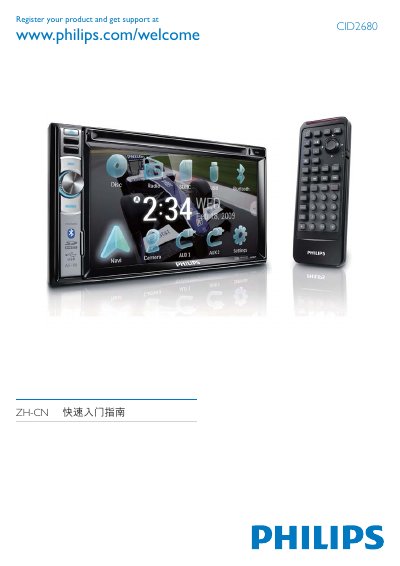
This guide explains the registration process for the Philips CID2680 headphones. Users can register online at www.philips.com/welcome to receive support and warranty information.
It also lists the available color options (Blue, Green, Yellow, Red, White) and describes the touch control panel, front/rear audio outputs, battery connection (+12 V), and clock mode settings (24‑hour). This manual is written in Chinese.
| Clock mode | 24‑hour |
|---|
Visit www.philips.com/welcome and follow the on‑screen registration steps.