
This Quick Start Guide introduces how to connect vehicle wires, install the main unit, set date and time, use navigation, listen to radio and play disc.
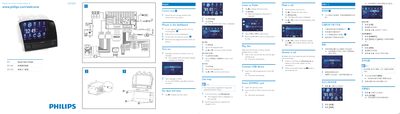
This Quick Start Guide provides step‑by‑step instructions for powering on the Philips CID3695, selecting language, and configuring basic settings such as clock mode and date/time. It also explains how to use media sources like CD, USB, and SD cards, as well as how to operate the built‑in navigation map and Bluetooth phone features.
Installation notes describe mounting the unit in the dashboard using the supplied screws and rubber cushion, and include safety reminders for connecting the car’s wiring and battery terminals.
Press @ on the host car audio to turn on CID3695.
Tap [12Hr] or [24Hr] to select the clock mode.