
Quick Start Guide, instructions on how to connect wires, install, turn on, set date and time, use maps, listen to the radio, play CDs, connect USB devices, etc.
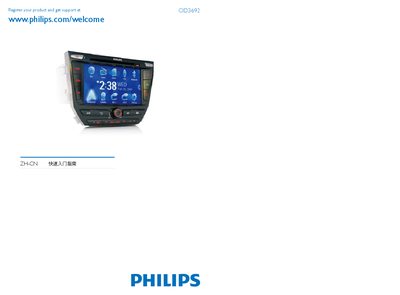
This guide begins with product registration, directing users to register at www.philips.com/welcome to obtain support. It provides a quick‑start overview of the device’s antennas, controls, and initial installation steps.
The manual then describes how to connect media sources such as USB drives, SD cards, and DVD video discs, and explains playback functions, volume control, and basic operation modes. This manual is written in Chinese.
Register the product at the Philips website: www.philips.com/welcome.
The device supports DVD video and DD‑R formats.