
This document is the quick start guide of Philips CID3287 car audio, which introduces the functions and features of the product and how to use it
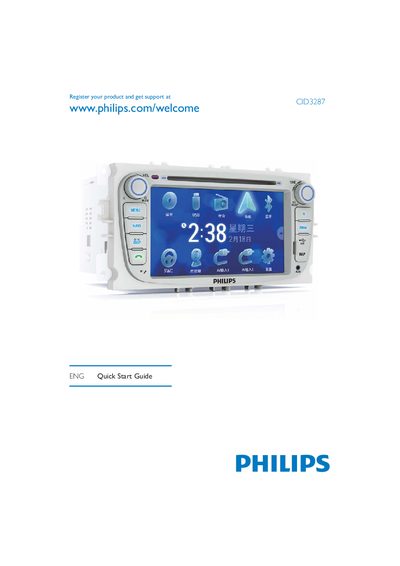
This guide provides step‑by‑step instructions for installing the Philips CID3287 car audio unit, including wiring, grounding, and mounting in the dashboard. Safety cautions are highlighted, such as disconnecting the battery and insulating loose leads.
It also explains how to use the main functions of the unit: setting the clock, navigating menus, listening to radio, playing discs and USB media, pairing Bluetooth devices, and making phone calls. The guide lists supported media formats and region codes, and gives tips for adjusting settings while driving safely.
| Operating voltage | 12 V DC |
|---|---|
| Ground type | Negative ground (earth) |
| Bluetooth pairing capacity | Up to 8 devices |
| Supported disc formats | DVD‑video, DVD‑R, DVD‑RW, VCD, Audio CD, CD‑R, CD‑RW |
| DVD region code | China |
| Power‑supply lead colors | Yellow and red |
The unit can play DVD‑video, DVD‑R, DVD‑RW, VCD, Audio CD, CD‑R and CD‑RW discs.