
This file is a quick start guide for Philips GoGear audio player, which introduces how to connect the audio player to a computer, charge, play music, etc.
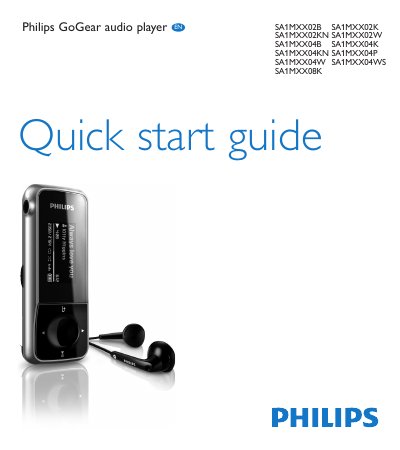
The Philips GoGear Mix is a portable digital audio player with built-in FM radio, voice recording, and USB charging. This guide provides the essential steps to get the device up and running, including how to connect it to a computer for charging and firmware updates.
Key functions covered include navigating the main menu to play music, tuning and using FM radio, creating voice or FM recordings, and installing the Philips Device Manager software for firmware updates. Recycling and product registration information are also provided.
From the main menu select "Start voice recording", press the play/pause button to record, press O to stop, then press the play/pause button again to save the file.