
This is a quick start guide for the Philips GoGear SA011 digital audio player, which introduces the connection, charging, use, etc. of the product
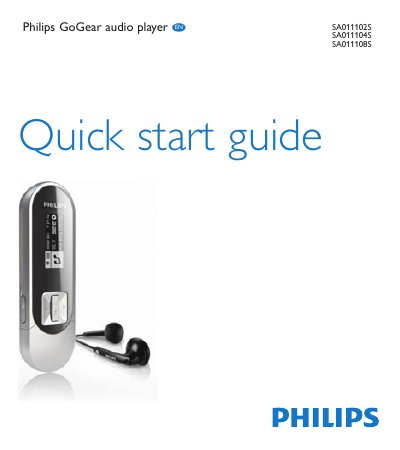
This Quick Start Guide introduces the Philips GoGear SA011 audio player, describing its main menu, lock switch, and built‑in rechargeable battery. It explains how to turn the device on and off, connect it to a computer, and register the product for updates.
The guide walks you through charging via the USB port, installing Philips Device Manager software, playing music, and recording voice memos. It also includes recycling information and battery disposal instructions.
| Battery | Built‑in rechargeable battery |
|---|---|
| Charging method | USB port of a computer |
| Lock switch | Prevents accidental operation |
Press the power button until the display shows the Philips logo to turn on, and press and hold until the display shows ‘Bye’ to turn off.
Remove the USB cap, connect the USB plug to a spare USB port on a computer, and the player will begin charging.
When the pop‑up appears, select “Install Philips Device Manager” and follow the on‑screen instructions.