
This document is a quick start guide for the Philips GoGear audio player, providing instructions on installation, connection, charging, transferring, and enjoying music.
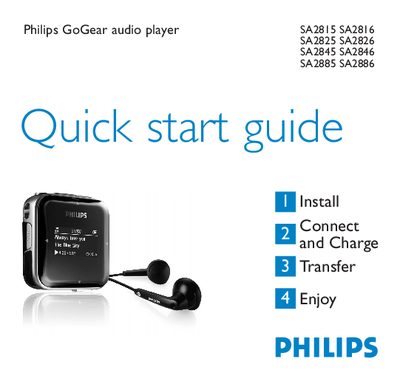
This Quick Start Guide introduces the Philips GoGear audio player series (SA2815, SA2816, SA2825, SA2826, SA2845, SA2846, SA2885, SA2886). It explains how to install the device, connect it to a PC, charge the battery, and transfer music files.
The guide also describes the player’s controls, radio and recording functions, battery‑level indicators, troubleshooting steps, and disposal instructions. It provides brief instructions for using the radio presets, auto‑tune feature, and making voice recordings.
| Full charge time | 4 hours |
|---|---|
| Radio preset capacity | 20 stations |
| USB connector type | Mini‑USB |
| Battery level indicators | Full, Two‑thirds, Half, Low, Empty |
Insert a small pin into the reset hole at the bottom of the player and hold until the player shuts down.
A full charge takes about 4 hours, and an 80 % charge takes about 2 hours.
The player can store up to 20 radio station presets.
Connect the player to a PC via the supplied USB cable; it appears as a USB mass‑storage device, then drag and drop files in Windows Explorer.