
This quick start guide introduces the basic operations of Philips GoGear audio player including install, connect and charge, transfer, enjoy music etc.
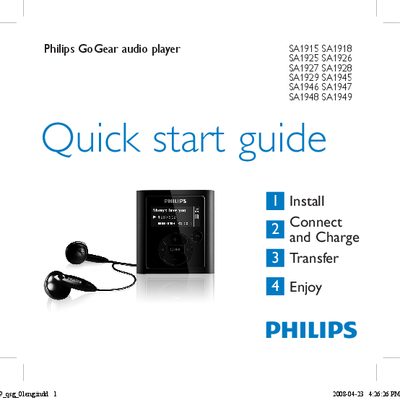
This Quick Start Guide provides concise instructions for getting started with Philips GoGear portable audio players. It covers installation, connecting to a PC, charging, transferring music, and basic playback functions.
Key sections include installing the supplied CD, connecting and charging via the mini‑USB port, transferring files using Windows Explorer, navigating the menu, using FM radio (where available), and recording audio. The guide also points users to the full user manual and online support resources.
| Full charge time | 4 hours |
|---|---|
| Minimum initial charge time | 5 hours |
| Battery level indicators | Full, Two‑thirds full, Half, Low, Empty |
Press the z/2 button until the Philips logo appears to turn on; press and hold the same button until ‘bye’ appears to turn off.
Connect the supplied USB cable to the mini‑USB port on the player and the other end to the PC; the player will begin charging automatically.