
This is the user manual of Philips PhotoFrame SPF1127 SPF1137, which introduces how to use the product's functions, including how to adjust settings, how to play slideshows, etc.
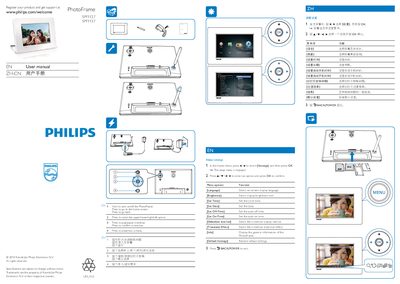
This manual explains how to register your Philips PhotoFrame, adjust settings such as language, brightness, time, and slideshow options, and navigate the menu using the remote control. It also covers basic operation like playing/pausing slideshows and restoring default settings.
Safety guidelines include turning off and unplugging the device before cleaning, using only a soft damp cloth, and avoiding liquids, heat sources, and impact. The document also provides end‑of‑life disposal and recycling information, advising users to follow local regulations and take‑back programs.
Select the [Brightness] option in the Settings menu and choose the desired level.
Follow local recycling regulations or contact your Philips dealer for take‑back programs; do not mix with household waste.