
This document is an instruction manual for the AZ 1030 CD Radio Cassette Recorder 2, describing the features and characteristics of the product.
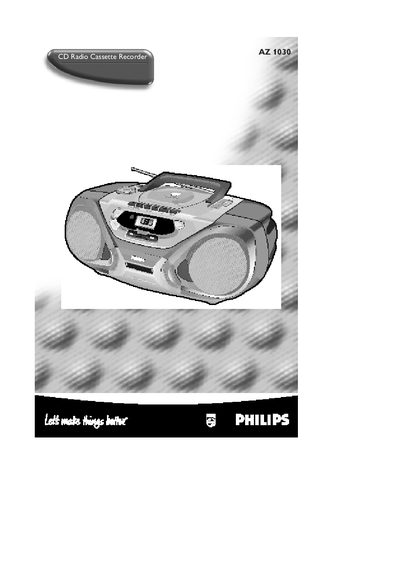
This user guide explains how to operate the Philips AZ 1030/01 CD radio cassette recorder. It covers controls for power, volume, bass, and source selection. Sections detail radio tuning, CD playback and programming, and cassette recording and playback. The guide also includes basic setup, power supply options, and troubleshooting tips.
| Model | AZ 1030/01 |
|---|---|
| Power Supply | 110–127/220–240 V; ~50–60 Hz |
| Power Consumption | 11 W |
Set the POWER slider to CD, press / OPEN to open the CD compartment, insert the CD, and press 2; to start playback.
Insert a blank, unprotected cassette, set the POWER slider to CD, press RECORD 0 to start recording, and press OPEN·STOP /9 to stop.