
Philips DC390 Docking Entertainment System User Manual

This manual introduces the basic use of the Philips DC390 multi-function speaker, including how to install batteries, use the remote control, play music, listen to radio, etc.
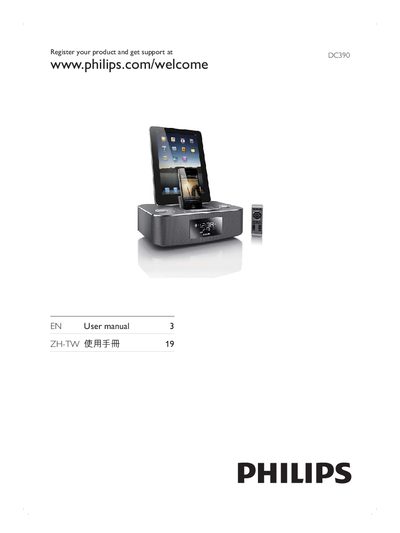

Philips DC390 Docking Entertainment System User Manual - cover page
Brand
Philips
Category
Home Speakers
Document type
User Manual
Language
English
Pages
18
File format
PDF
File size
741 KB
Published
27 March, 2012
Updated
01 October, 2023
Model
DC390
MD5 checksum
AA8BB6E13BD2679916682E7C32142CB7

About this manual

This user manual guides you through setting up and using the Philips DC390 Docking Entertainment System. It covers connecting devices, playing audio from iPod/iPhone/iPad or external sources, tuning radio stations, setting alarms, and adjusting sound. Safety precautions and hearing protection guidelines are also included to ensure safe operation.

What's inside

  • Important Safety
  • Your Docking Entertainment System
  • Get Started
  • Play
  • Listen to Radio
  • Other Features
  • Adjust Sound
  • Product Information
  • Troubleshooting

Frequently asked questions

What audio sources can this docking system play?

You can enjoy audio from iPod, iPhone, iPad, radio, or other audio devices.

How many alarm timers can be set on the unit?

You can set two alarm timers to go off at different times.

Download PDF (741 KB)

More Philips Manuals


View all Philips manuals →