
This is the user manual for Philips DC390 vacuum cleaner
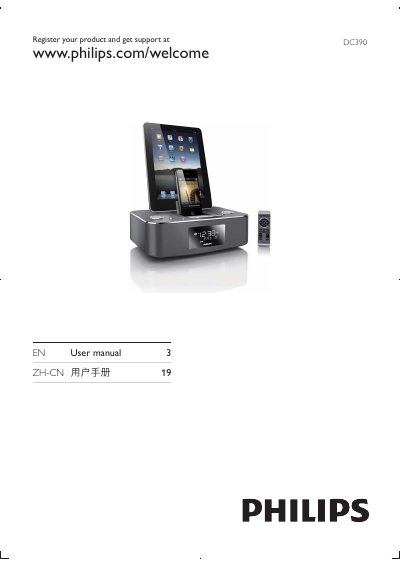
The manual begins with product registration instructions, directing users to register at www.philips.com/welcome for support. It then details the physical controls such as POWER, DOCK, MENU, VOL +/- and explains how to operate the device with iPod, iPhone or iPad.
Further sections cover functional settings like setting the time, programming alarms, using the MP3 link, FM radio, sleep mode, and adjusting brightness. The guide also lists technical specifications and safety information. This manual is written in Chinese.
| Frequency response | 40 – 20000 Hz |
|---|---|
| Dimensions (W × H × D) | 263 mm × 114 mm × 165 mm |
Visit www.philips.com/welcome to register the product and obtain support.
Use the SET TIME/PROG function to adjust the clock.
Place the device onto Dock 1 or Dock 2 as shown in the manual.