
This is an instruction manual for AZ 1030 CD Radio Cassette Recorder
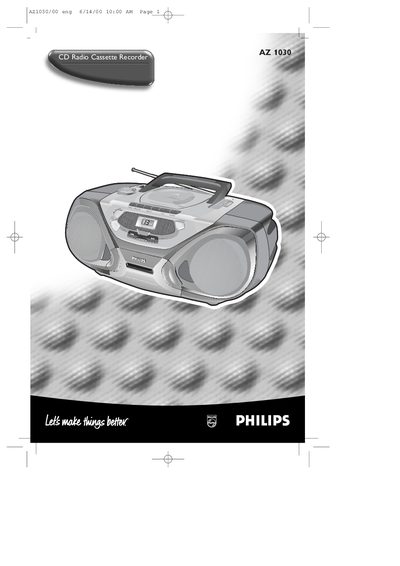
This manual covers safety information, plug and fuse replacement, power‑supply setup and basic controls for the AZ1030 CD Radio Cassette Recorder. It explains how to connect the mains plug, select the appropriate voltage, insert batteries, and use the POWER slider to choose CD, tape or radio.
Detailed sections describe CD player functions, cassette recorder operation, radio tuning, headphone socket, bass boost, and various playback modes such as shuffle and repeat. The guide also includes cleaning and maintenance tips for the cassette heads and lens, as well as a troubleshooting table for common problems.
| Fuse rating | BS1362 5 Amp |
|---|---|
| Battery types | R20, UM‑1 or D‑cells (alkaline preferred) |
| Power source selector | Local mains voltage selector |
| Headphone socket | 3.5 mm |
| Radio bands | FM, MW |
| Cassette head cleaning method | Cotton swab moistened with alcohol |
Remove the fuse cover, replace the fuse with a BS1362 5 Amp fuse, and re‑attach the cover.
Set the POWER slider to the desired source: CD, TAPE, or BAND (radio).
After about 50 hours of use, clean the heads with a cotton swab slightly moistened with alcohol.
Pull out the telescopic antenna and adjust its length or direction for better FM signal.