
The AZ 1565 is a CD radio cassette recorder from Alcatel. It features CD playback, recording, and editing capabilities. It can also receive AM and FM radio stations. The product's features include its digital equalizer, which allows you to adjust the audio effects to your liking.
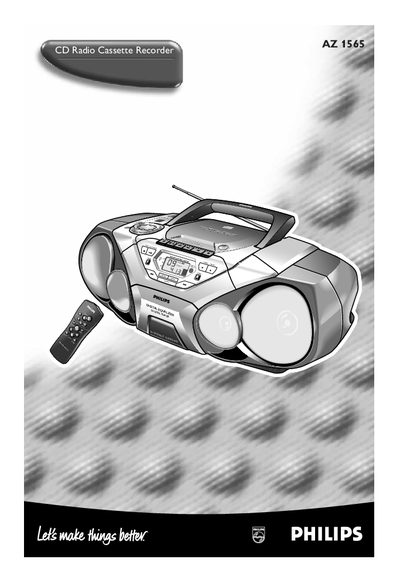
This manual provides instructions for operating the Philips AZ1565 CD radio cassette recorder, including controls for volume, tuning, CD playback, and battery use. It covers basic functions like switching power sources, adjusting sound settings, and programming radio stations. The device supports CD, cassette, and FM/AM radio playback with digital tuning and remote control functionality.
The manual also includes safety and maintenance guidelines, such as avoiding humidity and excessive heat, cleaning with a damp chamois leather, and proper battery disposal. It explains how to tune to radio stations, program presets, and handle CD playback with features like shuffle and repeat.
| Power Source | AC Mains or Batteries |
|---|---|
| Battery Type | 6 x D-cells (R-20, UM-4) |
| Remote Control Battery | 2 x AAA (R03, UM1) |
| Wavebands | FM, AM, LW (MW) |
| Digital Tuner | Supports 9KHz or 10KHz tuning steps |
Adjust the POWER slider to the desired sound source: CD, TUNER or TAPE.
Tune to the desired station, press PROG to activate programming, press PRESET 3 or 4 to assign a number, then press PROG again to confirm.
Battery power is running low. The indicator eventually goes out if the batteries are too weak.
Use a soft, slightly dampened chamois leather. Do not use cleaning agents containing alcohol, ammonia, benzene or abrasives.