
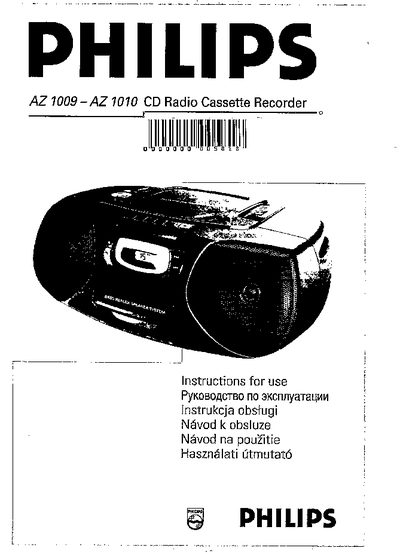
This manual covers the Philips AZ1009-AZ1010 CD radio cassette recorder, describing its controls, basic functions, and how to operate the CD player, cassette deck, and radio tuner. It also includes safety information, battery installation, and mains voltage selection.
Key sections include step‑by‑step instructions for power selection, volume and bass adjustment, battery replacement, mains connection, CD playback modes, radio tuning, and a troubleshooting guide that lists common problems and their solutions.
| Output power | 60 W |
|---|---|
| Weight | 3.5 kg |
| Battery type | 6 × 820, UM‑1 or D‑cells |
Remove the mains plug from the wall socket; the battery supply will then become active.
Make sure the CD is inserted with the label side up, clean the disc if dirty, and check that the laser lens is not obstructed.
Check that the volume is turned up and that headphones are not connected, then ensure the mains cable is securely connected.