
This is a document about the AZ 1050 CD Radio Cassette Recorder. The product is a portable audio device with CD, radio, and tape playback functions. It features a BASS REFLEX speaker design for enhanced bass performance. The device also includes basic functions such as volume control, headphone jack, and pause function.
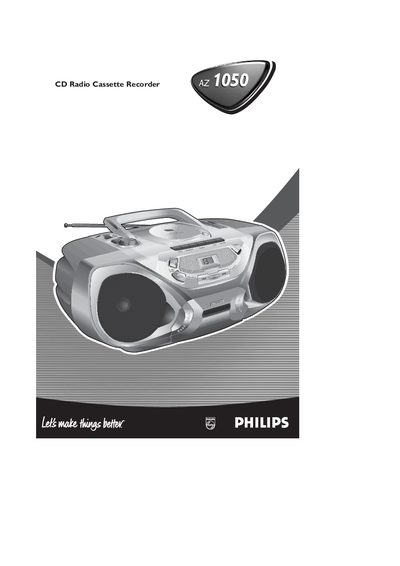
This manual explains how to operate the Philips AZ1050 CD Radio Cassette Recorder, covering basic functions such as power selection, volume control, headphone use, and the operation of the radio, CD player, and cassette recorder. Detailed steps are provided for playing CDs, programming tracks, and using the cassette deck, along with guidance on battery and mains power connections.
General maintenance, cleaning procedures for the CD lens and tape heads, and a comprehensive troubleshooting section are included to help keep the unit in good working order and resolve common issues.
| Battery type | R20, UM-1 or D-cells |
|---|---|
| Battery count | 6 batteries |
| Headphone socket | 3.5 mm |
| Maximum stored tracks | 20 tracks |
Open the battery compartment and insert six batteries of type R20, UM‑1 or D‑cells; replace them when they are flat.
You can store up to 20 tracks in the memory for programmed playback.