
This is the AZ1008 CD Radio Cassette Recorder user manual, which introduces the main functions and features of the product, including playback, recording, search, etc.
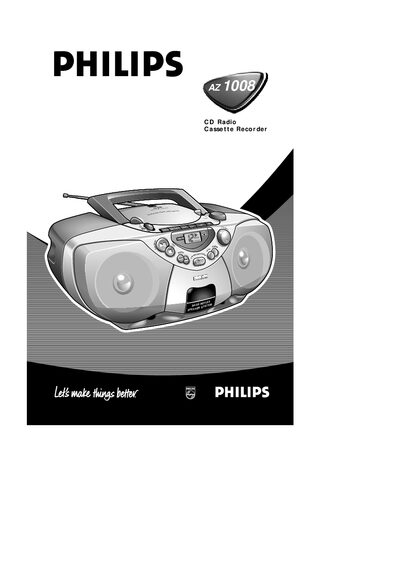
This manual explains how to operate the AZ1008 CD Radio Cassette Recorder, including selecting sound sources, using the CD player, radio tuner, and cassette recorder. It covers battery installation, AC mains connection, and power‑saving procedures.
The guide also details maintenance tasks such as cleaning the heads, caring for the CD lens, and troubleshooting common problems like no sound or playback issues.
| Battery type | 6 x 1.5 V R14 / UM2 / C‑cell |
|---|---|
| Antenna | Telescopic aerial for FM reception |
| Compatible cassette type | IEC type I (NORMAL) only |
| Power input | AC mains inlet with optional voltage selector |
Open the battery door and insert six 1.5 V R14, UM2 or C‑cell batteries with the correct polarity, then close the compartment.
Pull out and extend the telescopic aerial; adjust its length or angle if the signal is too strong.
In stop mode press PROGRAM to enter programme mode, use the SEARCH buttons to select a track, then press PROGRAM to store it. Repeat up to 19 tracks.
Unplug the AC mains lead from the wall socket; this also protects the set during thunderstorms.