
This document is the AZ5740 user manual, which mainly introduces the product's safety instructions, including the use environment, cleaning methods, power connection, etc.
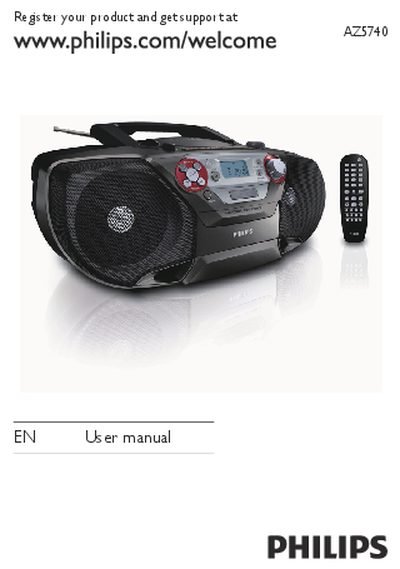
This manual provides instructions for using the Philips AZ5740 DVD player, including how to play DVDs, VCDs, SVCDs, and USB media. It covers safety precautions, setup, controls, and troubleshooting common issues. Maintenance tips are included for cleaning discs, the lens, and tape heads. The device supports multiple audio and video formats and includes FM radio functionality.
| Disc Laser Type | Semiconductor |
|---|---|
| Disc Diameter | 12cm/8cm |
| Audio DAC | 24Bits / 44.1kHz |
| Total Harmonic Distortion | <1% |
| Frequency Response | 60Hz -16kHz |
| S/N Ratio | >62dBA |
| FM Tuning Range | 87.5 - 108MHz |
| Signal to Noise Ratio | >50 dB |
Clean the disc lens with Philips CD lens cleaner or any commercially available cleaner. Follow the instructions supplied with cleaner.
Ensure the AC power plug is connected properly, check if there is power at the outlet, ensure batteries are installed correctly, and adjust the volume.
Increase the distance between the unit and your TV or VCR, and fully extend and adjust the FM antenna.