
This manual is the user manual of Philips AZ1856 CD/DVD player, which introduces the basic functions and usage methods of the player, including connecting devices, playing CDs/USB devices, recording CDs/tapes, etc.
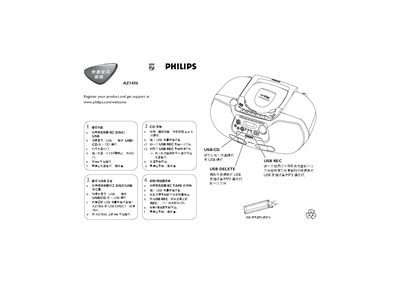
This quick start guide shows how to begin playback on the Philips AZ1856 by pressing the mll button and selecting the appropriate source. It explains switching between DISC, USB, TAPE or FM modes and how to insert a USB mass‑storage device.
The guide also details recording functions: press USB REC to record a single file or all files, and how to stop playback or recording with the designated stop button. Simple step‑by‑step instructions help users operate the player without consulting a full manual. This manual is written in Chinese.
Press the mll button on the AZ1856 to start playback.
Press the stop button (labelled as shown) to stop playback.