
This document is the user manual for the AZ1022 CD Soundmachine, which describes the features and functions of the product, such as volume adjustment, shuffle play, repeat play, CD playback control, program setting, and radio tuning.
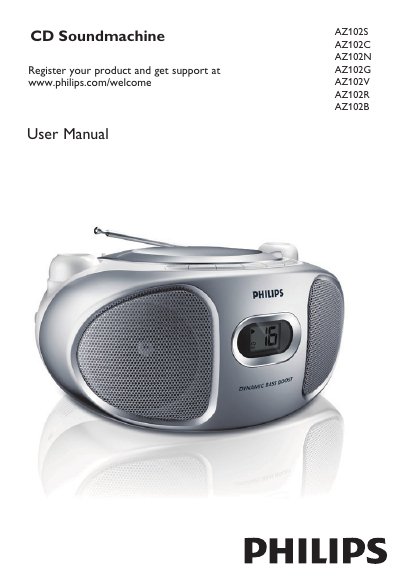
This user manual provides instructions for operating the Philips AZ102 series CD soundmachines. It covers power supply options, CD playback, radio tuning, volume control, and programming tracks. Safety and maintenance guidelines are also included, along with troubleshooting tips for common issues. The device supports CD playback including CD-R and CD-RW, but not MP3 or DVD formats.
| Power consumption | ≤ 15 W |
|---|---|
| Dimensions | 290 mm x 143 mm x 240 mm |
| Weight | 1.62 kg |
It plays Audio Discs including CD-Recordables (CD-R) and CD-Rewritables (CD-RW).
In stop mode, press PROG to activate programming, then use ∞ or § to select track numbers and press PROG to store them.
Check if the volume is adjusted, the power cord is securely connected, or the batteries are dead or incorrectly inserted.
Use a cleaning CD to clean the lens before taking the set to repair. Do not touch the lens directly.