
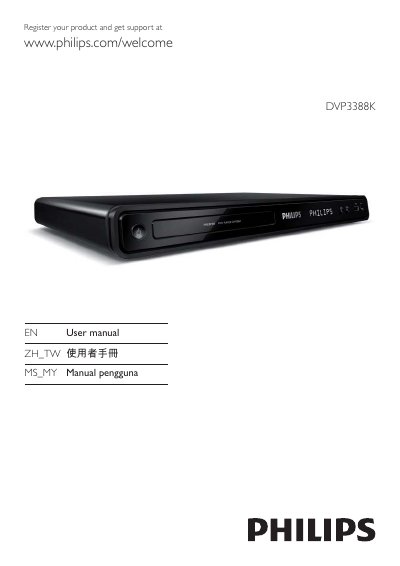
The DVP3388K DVD player delivers high‑definition video up to 1080p, HDMI EasyLink control, and media copy functions such as converting CD audio to MP3. It supports region‑free playback, karaoke scoring, and progressive‑scan video for compatible TVs.
The manual walks you through connecting the player via HDMI, component or composite cables, using the remote, adjusting sound and picture settings, and troubleshooting common issues. Registration for warranty and support is also covered.
| Maximum video resolution | 1080p |
|---|---|
| USB interface | USB 2.0 |
| HDMI CEC (EasyLink) | Supported |
| Progressive Scan | Supported |
You can connect the player using an HDMI cable, component video cables, or a composite (CVBS) cable, depending on your TV’s inputs.
Select the ‘Turn on Progressive Scan’ option in the menu to activate progressive‑scan output.
Register the product at www.philips.com/welcome to receive support and warranty information.