
This document is about the registration and support information for the Philips HTS6520 audio system. The audio system features USB and MP3 capabilities and includes accessories such as composite video cable, component video cable, and power cable.
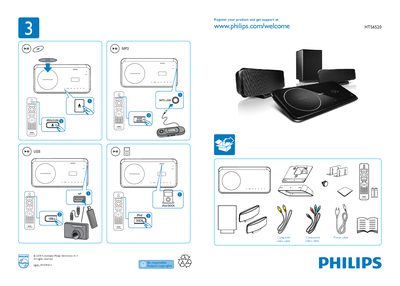
This guide explains how to register your Philips HS6520 and obtain support via the Philips website. It lists the required cables, such as the composite component power cable and video cable, and shows the basic connections.
The manual covers the General Setup menu, including EasyLink Setup, Disc Lock, Display Dim, OSD Language, Screen Saver, Sleep Timer, Low Power Standby, and DivX(R) VOD code options, helping users customize the player to their preferences.
Visit the Philips support page at www.philips.com/welcome HTS6520 to register the product.
The player uses a composite component power cable and a video cable for connections.
EasyLink can be enabled through the EasyLink Setup option in the General Setup menu.