
This quick start guide will help you connect and set up your Philips HTS2511 Immersive home theater system.
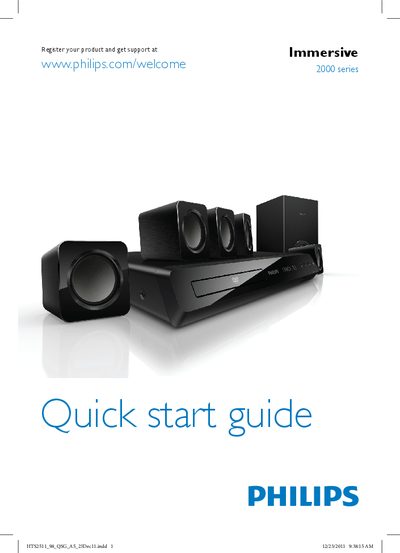
This guide provides the essential steps to get your Philips Immersive 2000 Series home theater up and running. It includes safety reminders, how to register the product for support, and basic connection options for video and audio signals.
After connecting the system to a TV or source device (Component or Optical), you can power on the unit, complete the initial setup (language, sleep timer, etc.), and start using the home theater. For further assistance, visit the Philips support website.
| Audio/Video inputs | Component, Optical |
|---|
Press the power button on the unit to switch it on.